Reviewing Contribution Details
How to inspect pending contributions in your Inbox.
IntermediateTreasurer
When M-Pesa messages are forwarded to KapuLetu, the bot extracts the information and places a pending record in your Inbox. It is your job as the treasurer to review these details for accuracy before accepting the money into the ledger.
1
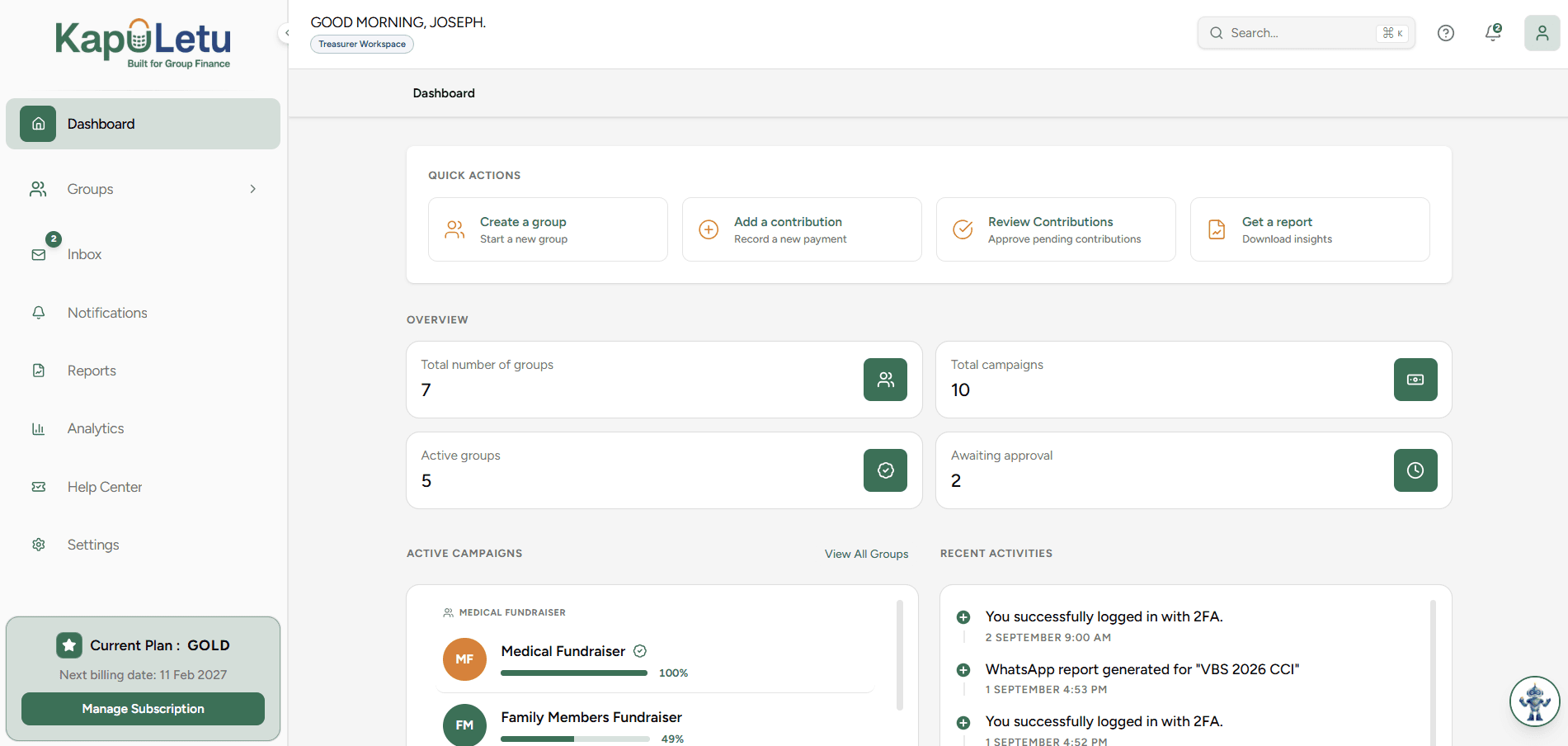
Open the Inbox
Navigate to the 'Contributions' tab and click on the 'Inbox' view.
2
Select a Pending Contribution
Click on any contribution in the 'Needs Review' list to open its details panel.
3
Verify the Match
Check that the extracted Member Name matches the sender of the M-Pesa message.
4
Check the Target Activity
Ensure the contribution is assigned to the correct fundraising activity.
Unrecognized Numbers
If the sender's phone number doesn't match any member in your group, the contributor field will be blank. You must manually assign the member during your review!