KapuLetu Logo

Get Started

  • Welcome
  • Account Setup
  • Your Workspace
  • First 5 Minutes

Treasury Workflows

  • Groups
  • Campaigns
  • Contributions & Inbox
  • Reports & Analytics

Administration

  • WhatsApp Processing
  • Account & Security
SupportGo to App →
Reports

Reports & Analytics

Learn how to generate, understand, and share professional treasury reports.

BeginnerTreasurer
Automatic Formatting
KapuLetu automatically formats reports to look great on both A4 PDFs and standard WhatsApp messages.

Generating a Report

1

Navigate to Reports

Select the Reports module from the main sidebar.
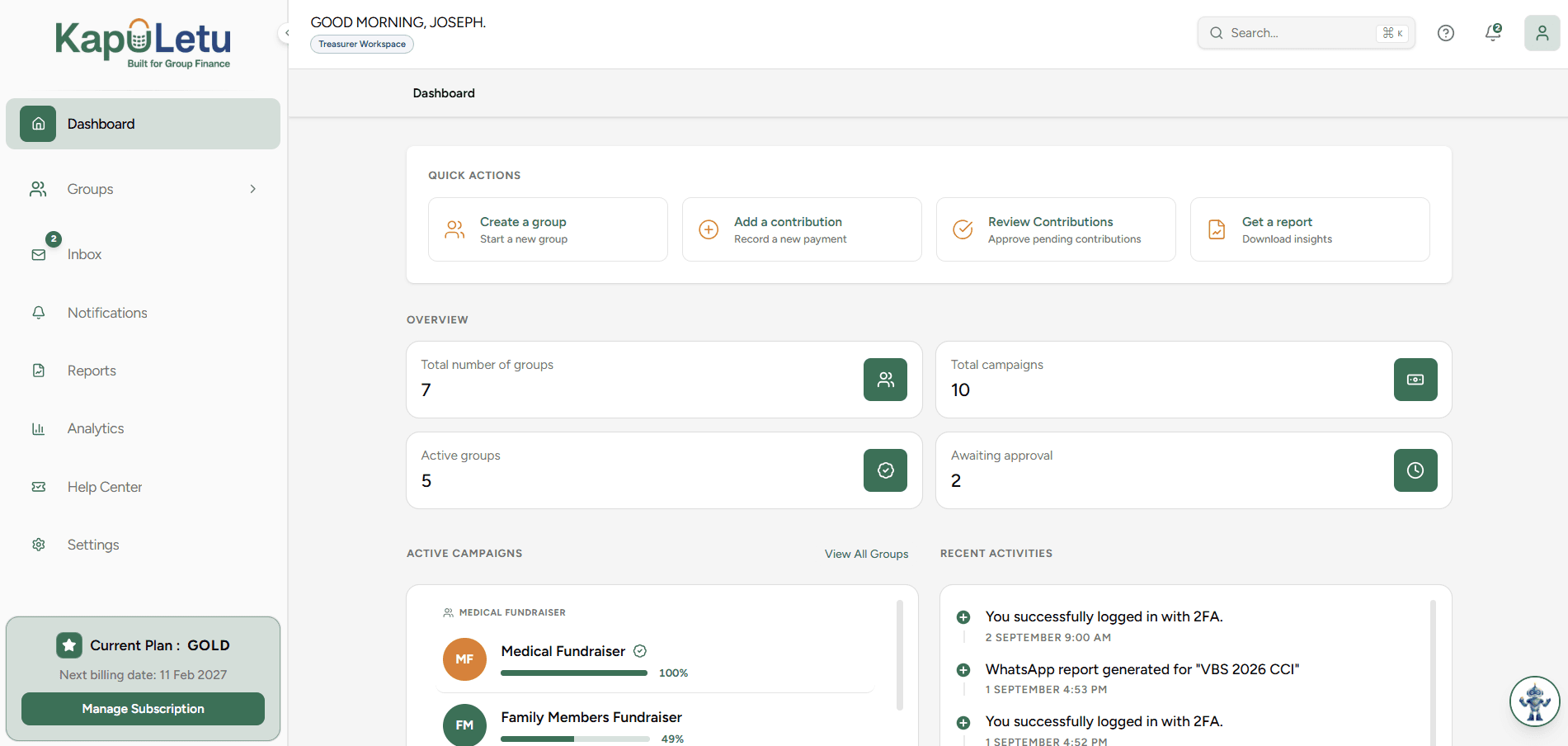
Generating a report workflow - Step 1
2

Select Report Type

Choose the type of report you want to generate (e.g., Daily Summary).

Generating a report workflow - Step 2
3

Set Date Range

Use the calendar picker to select your desired date range.

Generating a report workflow - Step 3
4

Generate & Export

Click Generate, then choose whether to download as PDF or share directly.

Generating a report workflow - Step 4

Report Types

Daily, Weekly, and Monthly Reports

Fundraising Activity Report

Group & Contribution Reports

Treasury Statements

Reconciliation Report & Financial Summary

Sharing & Customizing

Downloading PDF Reports

WhatsApp-ready Reports

Sharing & Printing

Customizing Date Ranges