Understanding the Dashboard
A high-level summary of your workspace.
BeginnerTreasurer
The dashboard provides a simple, high-level summary of your finances.
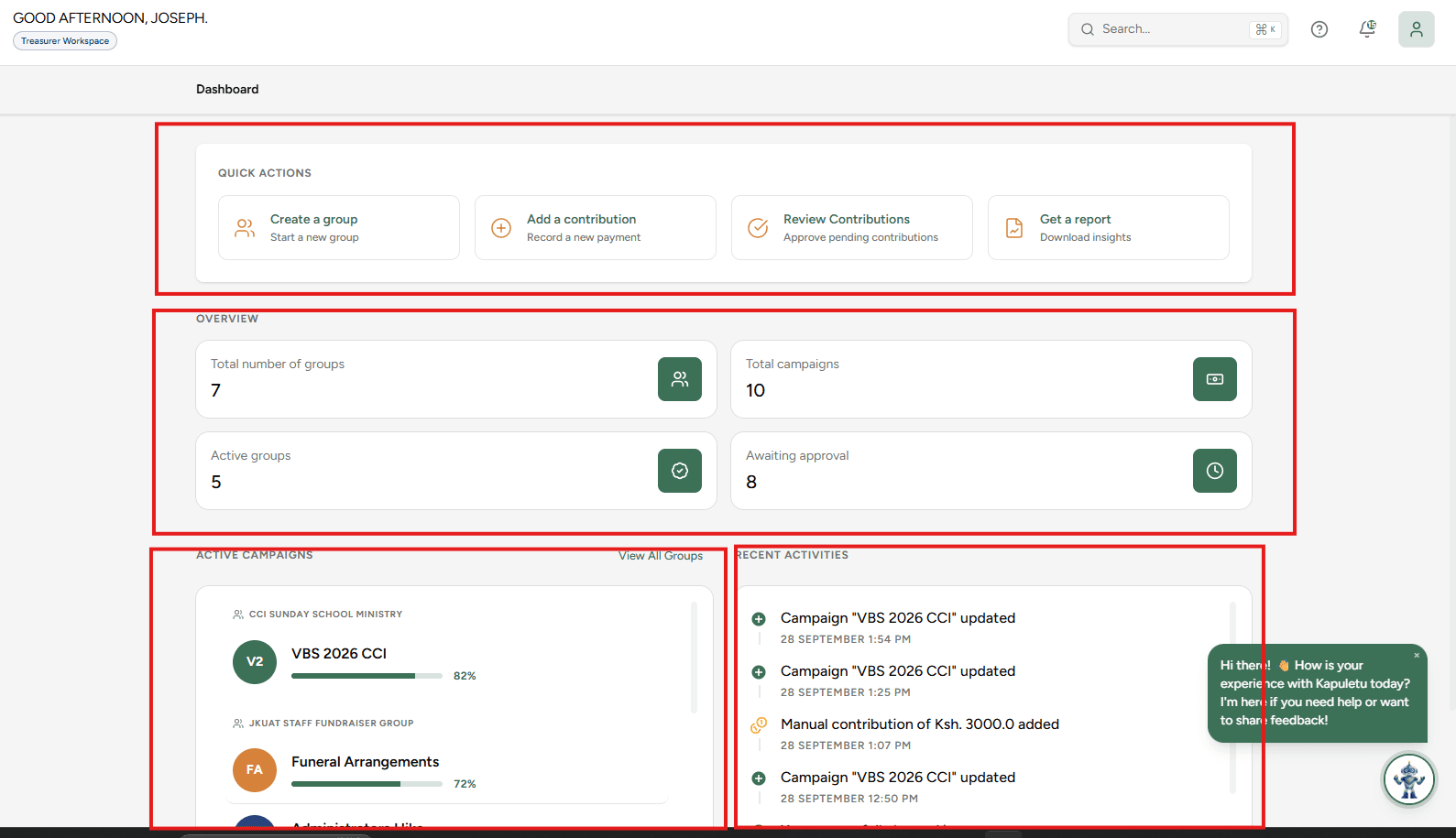
Dashboard Overview

2. Overview Metrics
Your core metrics:
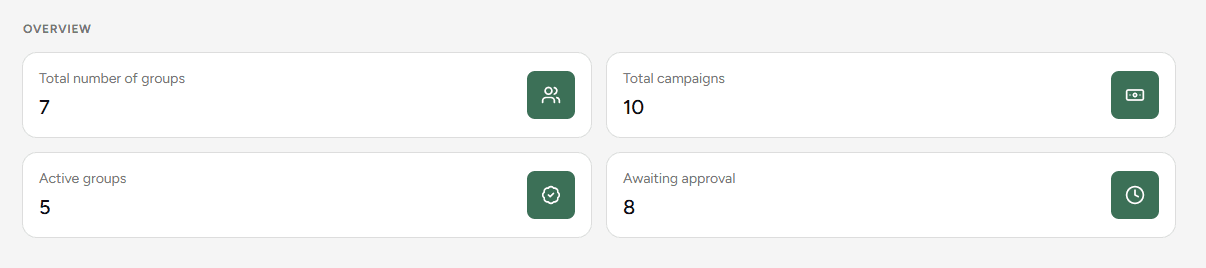
Total GroupsThe total number of organizations you manage.
Active CampaignsFundraisers that are currently running.
Active GroupsGroups with ongoing activities.
Pending ApprovalsCrucial! Shows unverified transactions waiting in your Inbox.
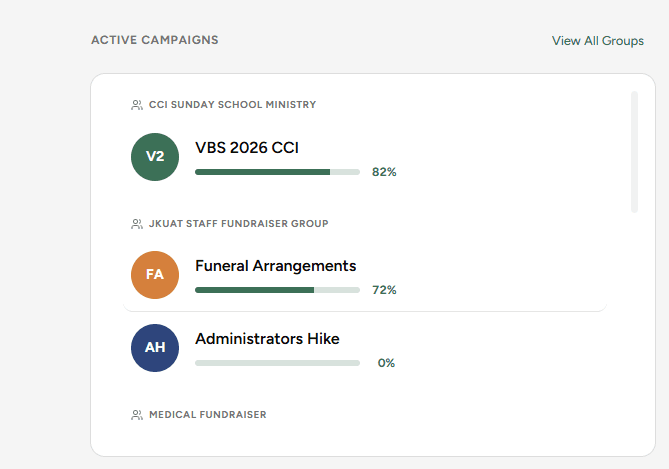
3. Active Campaigns
Monitor the progress of your ongoing fundraising efforts at a glance.
4. Recent Activities
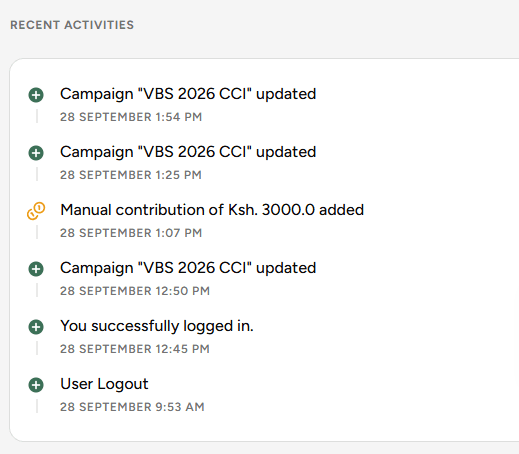
View the latest actions taken in your workspace.