Generating Time-Based Reports
How to generate daily, weekly, or monthly financial summaries.
BeginnerTreasurer
Time-based reports give you a snapshot of all financial activity within a specific window. These are perfect for presenting at group meetings or sharing in your WhatsApp group at the end of the week.
1
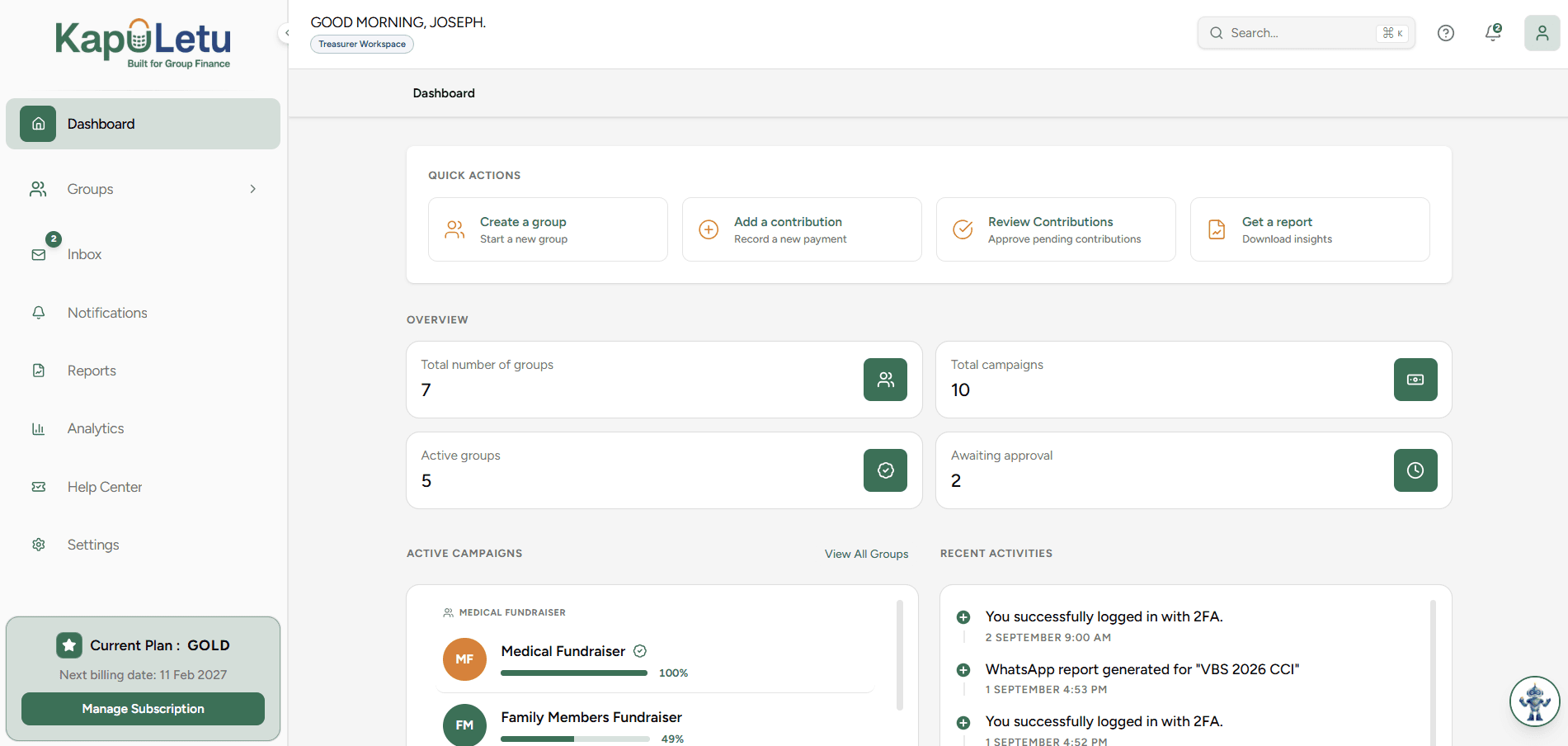
Open Reports
Navigate to the 'Reports & Analytics' tab.
2
Select Report Type
Choose 'Daily', 'Weekly', or 'Monthly' Treasury Report from the templates.
3
Set the Date Range
Select the specific day, week, or month you want to generate the report for.
4
Generate Report
Click 'Generate'. KapuLetu will compile all approved contributions for that period.
Unapproved Contributions
Reports ONLY calculate contributions that have been explicitly Approved from your Inbox. Pending contributions will not appear in the final report!