KapuLetu Logo

Get Started

  • Welcome
  • Account Setup
  • Your Workspace
  • First 5 Minutes

Treasury Workflows

  • Groups
  • Campaigns
  • Contributions & Inbox
  • Reports & Analytics

Administration

  • WhatsApp Processing
  • Account & Security
SupportGo to App →
Reconciliation

Reconciliation

Ensure your KapuLetu ledger perfectly matches your real-world bank and M-Pesa accounts.

AdvancedTreasurer
Best Practice
We recommend performing reconciliation at least once a month, or at the end of every active fundraising day.

The Reconciliation Process

1

Gather Records

Collect your M-Pesa statement, bank statement, and physical cash counts.
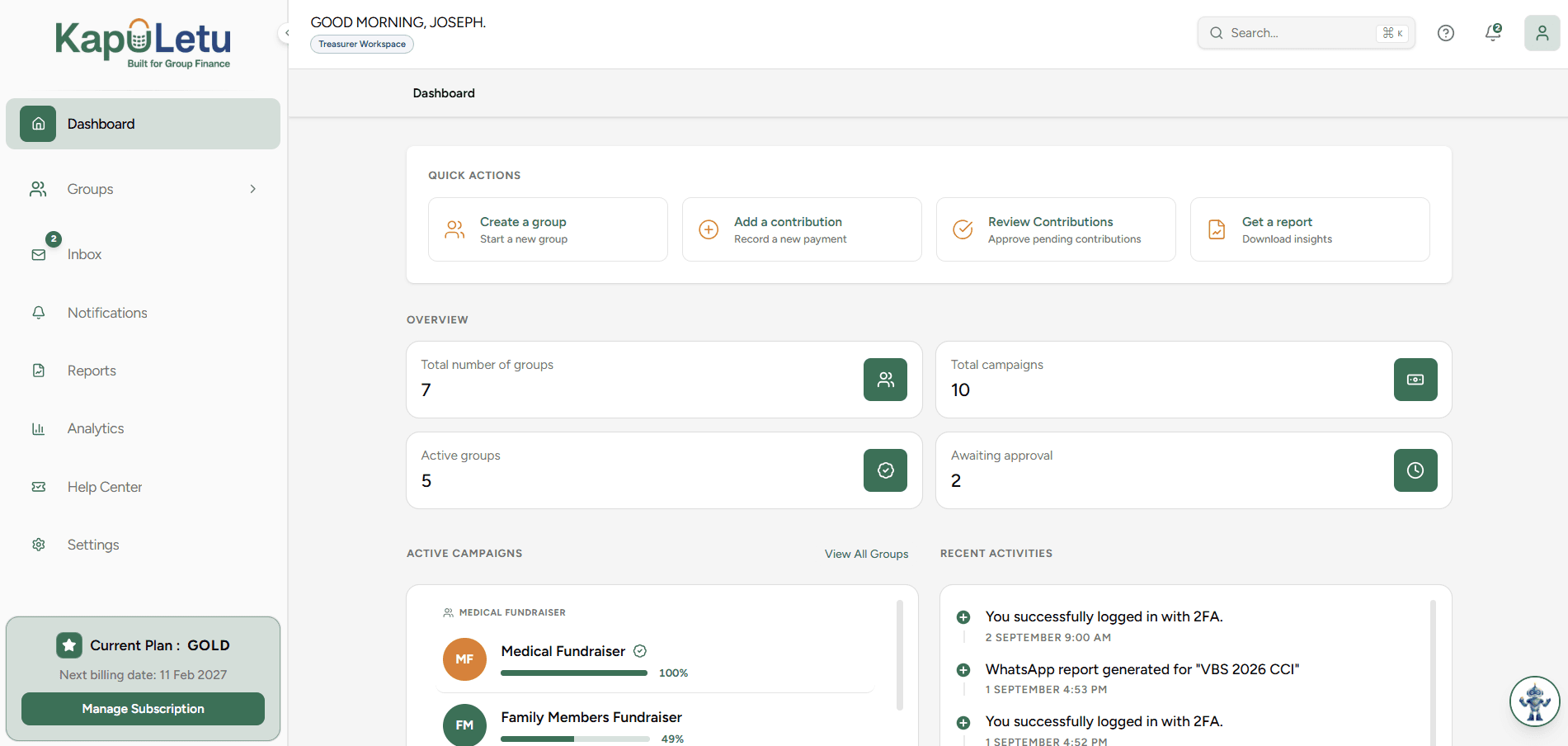
Reconciliation process flow - Step 1
2

Compare with Ledger

Open KapuLetu Reconciliation view and compare against your external records.

Reconciliation process flow - Step 2
3

Identify Differences

Spot missing transactions or mismatched amounts.

Reconciliation process flow - Step 3
4

Investigate & Correct

Fix the ledger by adding missing items or correcting errors.

Reconciliation process flow - Step 4

Reconciliation Guides

What is reconciliation? & When should I reconcile?

Preparing for reconciliation

Reconciling M-Pesa, cash, and bank

Identifying discrepancies & Handling missing/duplicate transactions

Handling incorrect amounts

Reconciliation checklist (End-of-day, Monthly)