Reconciling Accounts
How to ensure your KapuLetu ledger perfectly matches your real-world bank and M-Pesa statements.
AdvancedTreasurer
Reconciliation is the most important duty of a treasurer. It is the process of comparing the money KapuLetu thinks you have against the money you actually have in your bank or M-Pesa accounts.
1
Open the Reconciliation Tool
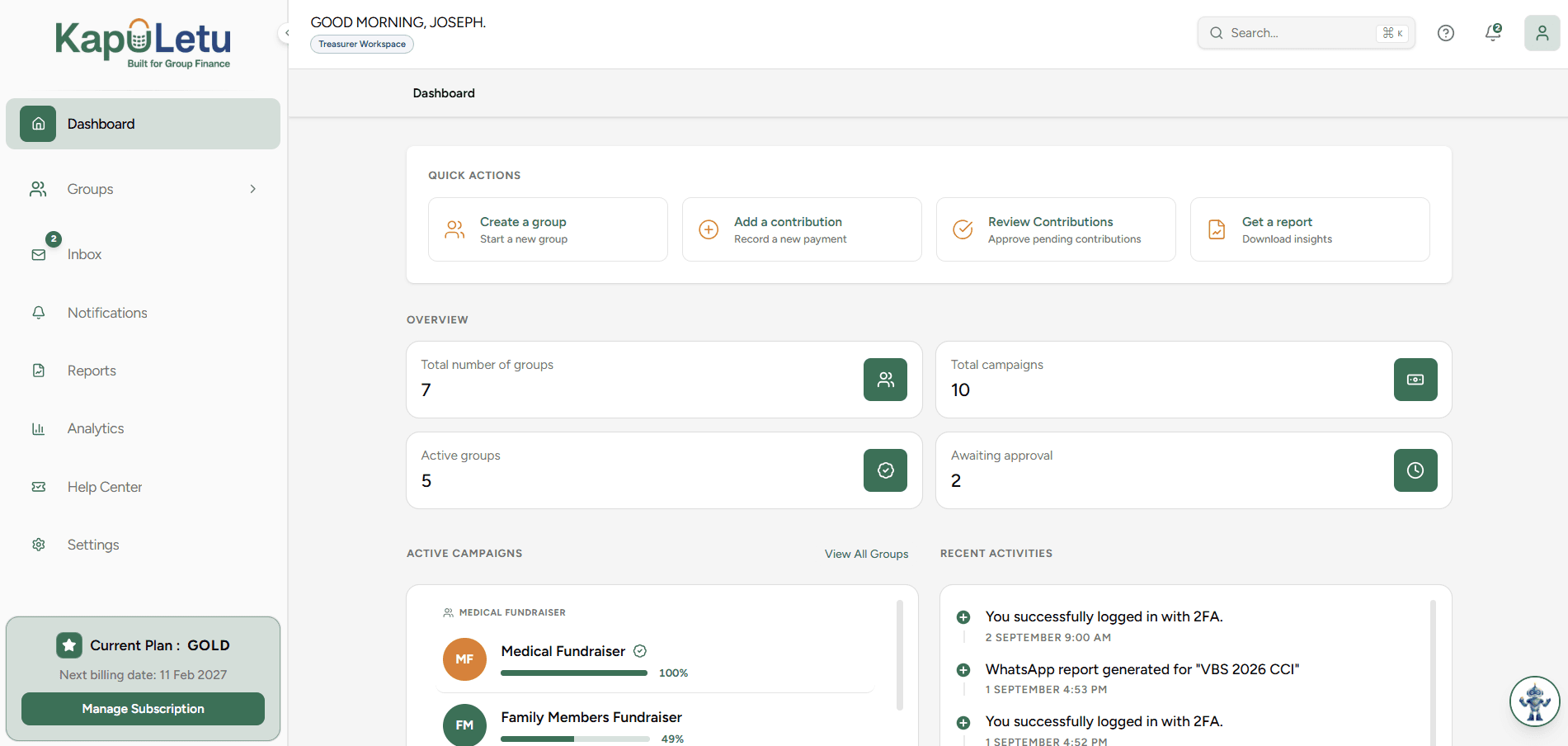
Navigate to the 'Reconciliation' tab in your dashboard menu.
2
Select the Period
Choose whether you are doing an End-of-Day or Monthly reconciliation.
3
Input External Balances
Look at your actual M-Pesa statement and Bank statement, and enter the closing balances.
4
Compare with KapuLetu
The system will compare your inputs against the KapuLetu Ledger.
5
Resolve Discrepancies
If there is a difference (Surplus or Deficit), you must locate the missing or duplicate transaction in your Inbox or Ledger.
When to Reconcile
We highly recommend performing a quick End-of-Day reconciliation whenever you have active fundraising, and a mandatory Monthly reconciliation to close your books.